

Introduction
vCenter Server is a critical management component in a VMware environment. Losing its configuration can affect host management, virtual machine operations, networking, and cluster services.
A reliable backup strategy should therefore be established before the environment is placed into production. This guide covers the key considerations for protecting vCenter Server and validating recovery procedures.
INFO
A backup is only useful when it can be successfully restored. Test recovery procedures regularly and document the results.
1. Identify Critical vCenter Data
Before designing the backup strategy, identify the components that require protection.
Important data includes:
- vCenter Server configuration.
- Inventory information.
- Distributed switch configuration.
- Permissions and roles.
- Tags and tag assignments.
- Historical configuration data.
- Certificates and identity configuration.
Document the current vCenter version and deployment architecture.
2. Configure File-Based Backups
vCenter Server Appliance provides a file-based backup mechanism that can be configured to store appliance data on a supported remote location.
Before configuring the backup:
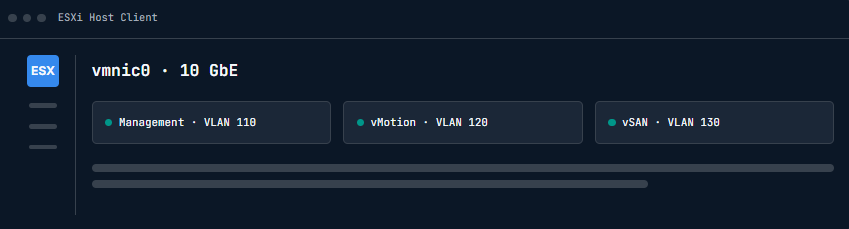
- Verify the destination is reachable.
- Confirm sufficient storage capacity.
- Configure appropriate credentials.
- Select a suitable backup schedule.
- Perform an initial manual backup.
WARNING
Do not store the only copy of a vCenter backup on the same infrastructure that the backup is intended to protect.
3. Define a Backup Schedule
Backup frequency should match how frequently the environment changes.
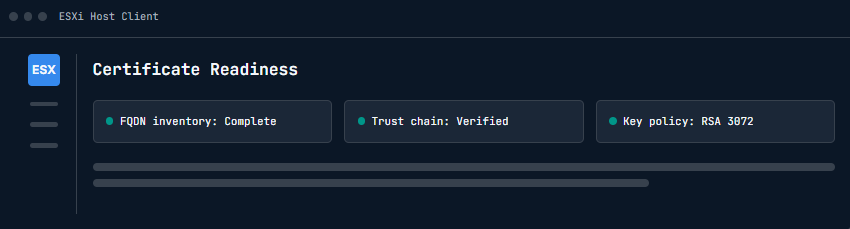
For example:
- Daily backups for active environments.
- Additional backups before major changes.
- Backup before upgrades.
- Backup before certificate replacement.
- Backup before major network modifications.
Keep multiple recovery points where storage capacity allows.
4. Protect Backup Credentials
Backup repositories should be protected using appropriate access controls.
Review:
- Repository permissions.
- Backup credentials.
- Network access.
- Encryption requirements.
- Retention policies.
Avoid using shared administrator credentials whenever possible.
5. Validate Backup Integrity
After creating a backup, confirm that the backup completed successfully.
Review:
- Backup status.
- Repository availability.
- Backup size.
- Timestamp.
- Retention.
- Error messages.
Maintain a simple implementation record for each backup cycle.
IMPORTANT
A successful backup job does not automatically prove that the environment can be recovered. Perform periodic restoration testing.
6. Recovery Planning
Document the recovery procedure before an outage occurs.
Include:
- vCenter version.
- Network configuration.
- DNS records.
- Backup location.
- Backup credentials.
- Recovery contacts.
- Restore procedure.
Test the process in a controlled environment where possible.
Conclusion
A well-designed vCenter backup strategy protects one of the most important management components in a VMware environment. Regular backups, secure repositories, documented procedures, and recovery testing provide a reliable foundation for disaster recovery.